CrewNotice
A tablet app for field supervisors, built to replace paper employee notices. It keeps working without a connection and produces a signed record in English and Spanish.
- Role
- Platform
- Stack
- Status
Context
Field supervisors write employee notices, for lateness, attendance or a policy issue, on paper, outdoors, between other tasks. Paper is slow to reach the office, easy to fill in inconsistently, and adds administrative work for everyone who handles it afterwards.
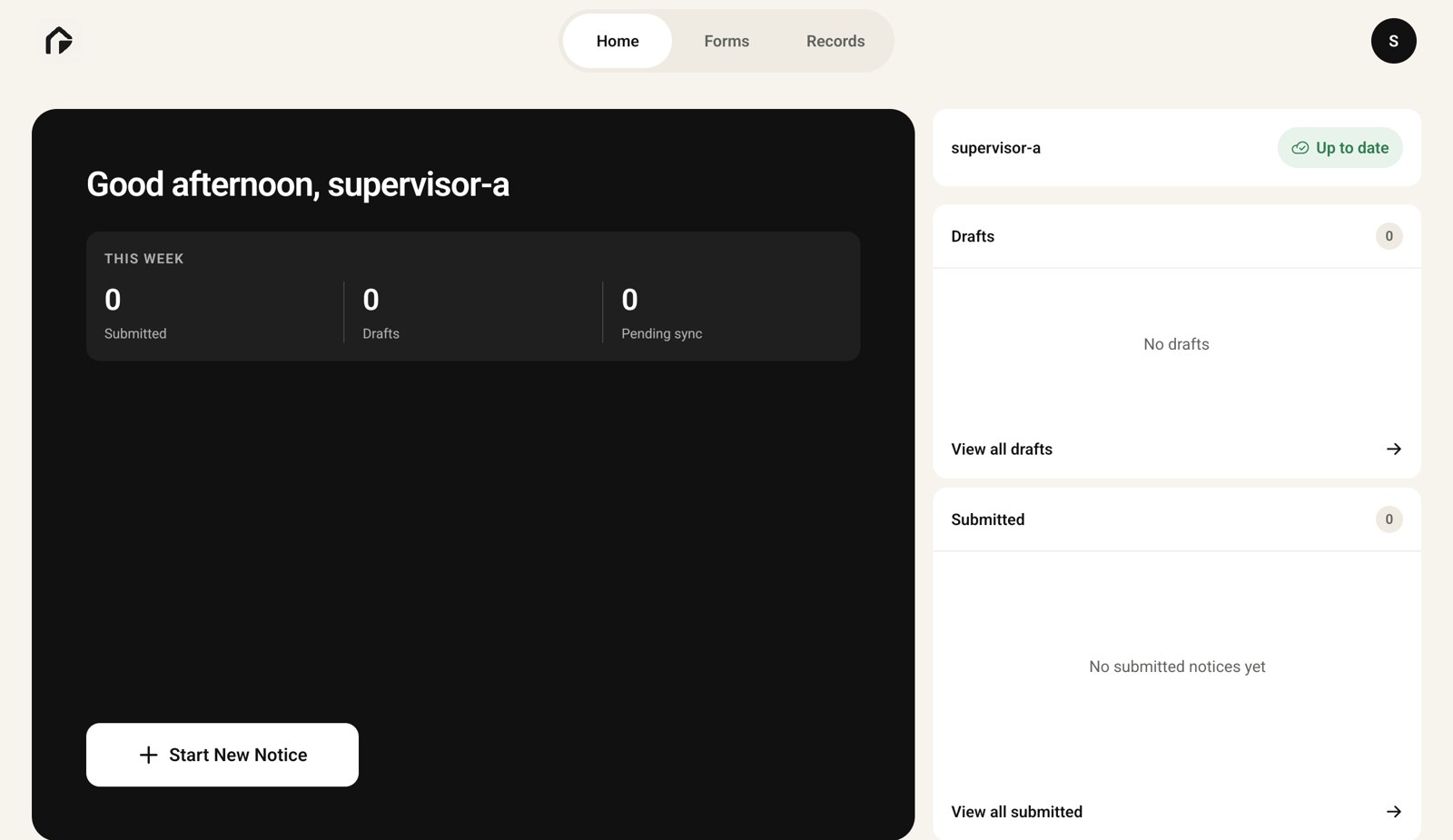
CrewNotice is a tablet app for those supervisors. The supervisor leads the whole notice on one device, and the employee responds on it. The bar it has to clear is simple to state: it must be easier than paper.
Problem
A notice is an employment record. It has to be complete, signed or marked as refused, readable in the employee’s language, and it must not be lost or duplicated when a tablet has no signal. Most form software assumes a desk and a connection. This one has neither.
Constraints
-
Field conditions
Supervisors are interrupted mid-form, work in outdoor glare, and lose signal. Work in progress can never be silently lost.
-
Two languages
English and Spanish are equal experiences, on screen and in the final document, not one translated from the other as an afterthought.
-
Employment records
A finished notice is a record. It is not edited afterwards: a correction creates a new record linked to the one it replaces.
-
Honest status
A notice waiting to upload is shown as queued, never as submitted. Submitted means the record store has confirmed it.
-
Usable with one hand
Touch targets of at least 48 dp and body text at 4.5:1 contrast or better.
Solution
What is built and tested today:
-
A five-step notice
Employee, notice type, reason, signatures, review. Each step saves as it goes, so an interrupted notice reopens where it stopped.
-
Three outcomes
The employee acknowledges, refuses to sign, or is unavailable. A reason is required when there is no signature.
-
Signature capture
A native Android signature view, written in Kotlin, for supervisor and employee.
-
Encrypted on the tablet
Drafts and queued submissions live in an encrypted local database until they are confirmed.
-
An offline outbox
Finished notices queue on the device and retry in the background. Each carries a stable ID and a hash of its contents, so a retry or a double tap cannot create a duplicate.
-
A bilingual PDF
The final document is generated on the tablet in English and Spanish.
-
HR screens
Review queue, search, exceptions and exports live in the same app, behind a role. They currently run on test data.
Evidence
The app runs as a development build on a Samsung tablet and a Pixel Tablet emulator, with test accounts and synthetic employee data. It is covered by automated tests; the last full verification run on record, in July 2026, passed all 986.
Engineering
-
Local first
The tablet is the source of truth until the record is confirmed. The connection is treated as something that fails, because in the field it does.
-
Repeat-safe submission
Weak signal and double taps cause duplicates or false success. A client-generated submission ID and payload hash let the same request be sent twice and counted once.
-
Codes, not labels
Records store language-neutral codes plus the English and Spanish wording in force when the notice was signed, so later wording changes do not rewrite old records.
-
No separate backend
The design keeps identity and records in the Microsoft 365 tenant the business already runs, rather than adding a server to operate and secure.
-
Native where it matters
Most of the app is React Native. Signature capture and sign-in are native Android modules.
Status
In development. The field app described above is built and tested against a simulated record store. It has not been deployed, and it has no users yet.
Still to do: connecting to a live Microsoft 365 tenant. Sign-in through Microsoft Entra and record storage in SharePoint are written but have not yet run against a live tenant. After that come retention policy, managed-device rollout, camera capture for refusal evidence, and acceptance testing with supervisors.